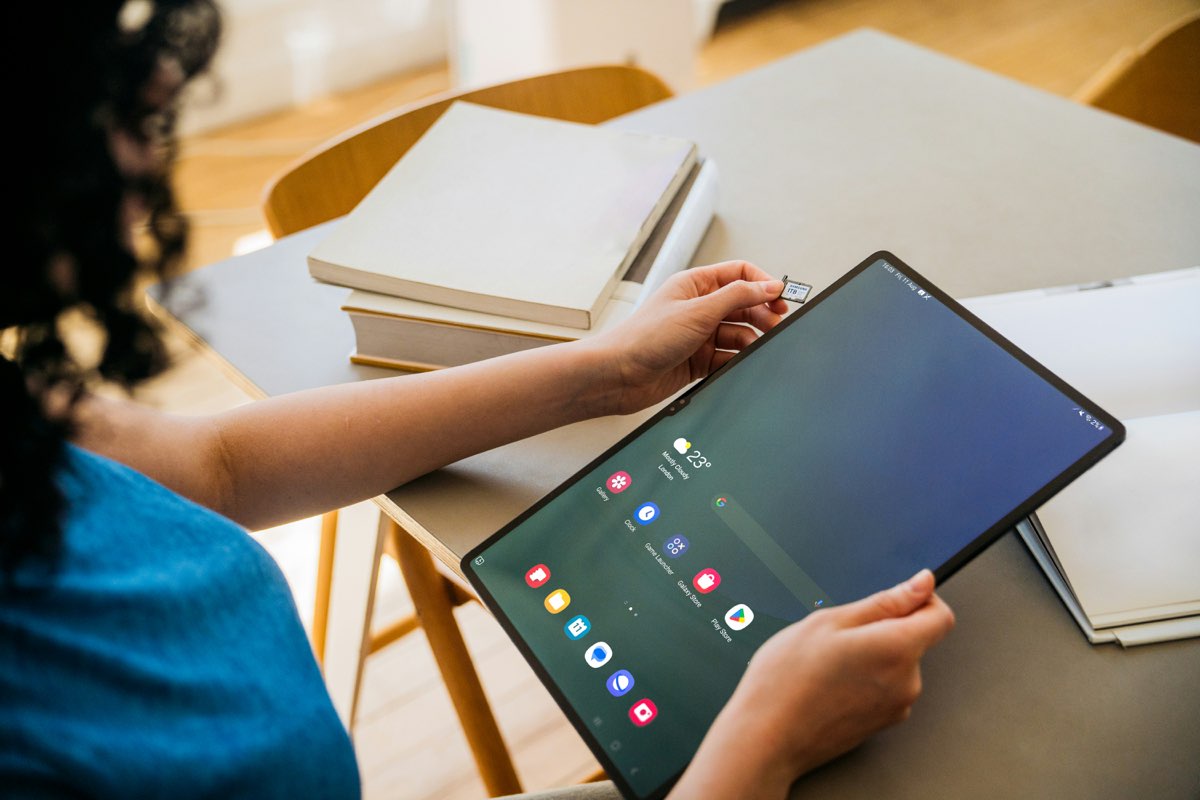
Word for Android
Citing beside Word on Android.
Word for Android runs no add-ins — so LitArbi for Android works beside it: Word opens next to LitArbi in split screen, and a citation copied in LitArbi arrives in Word linked to its exhibit. LitArbi for Android is on Google Play.

- Word beside LitArbi. One tap on “Open Word beside LitArbi” puts Word next to the exhibit in split screen — the page you cite on one side, your draft on the other.
- Copy, paste. “Copy citation” puts the citation — “Exhibit C-41, p. 3” — on the clipboard with its link to the exhibit; pasted into Word, the link stays.
- The same matter. The exhibits come from your firm’s LitArbi Server or a bundle, offline on the tablet — with the same numbers as on the Mac and on Windows.
Be among the first counsel to use LitArbi.
Beta seats are limited. Reserve yours and we'll let you know the moment your invitation is ready.
You're on the list.
We'll email you the moment your beta invitation is ready.